01
Your reading pile.
Organized.
Search your library, filter your collection, and switch between list and grid views. Unread badges keep your next chapters in sight.
Library searchFiltersUnread badges
You know how it goes. One chapter turns into ten. Keep your reads, bookmarks, and favorite moments together with Manhwatoon.
Direct download APK v1.0.6 stable · 62.1 MB · Android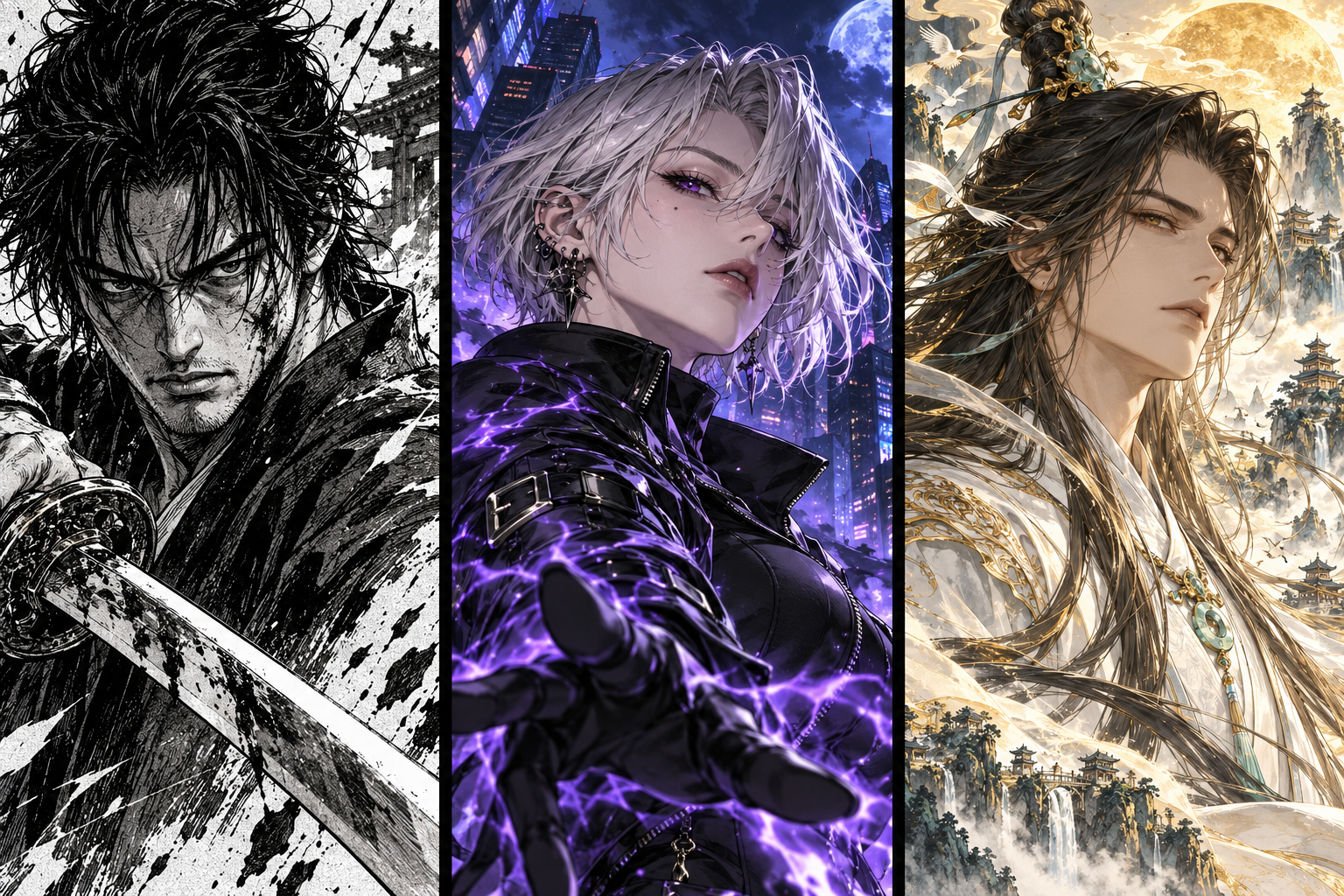
Original theme artwork · Not a preview of the app’s catalog
An overflowing reading list? Same.
Here’s how to keep it under control.
Search your library, filter your collection, and switch between list and grid views. Unread badges keep your next chapters in sight.
Bookmark the chapter. Leave yourself a note. Keep track with read marks, so you can come back to the moments that matter.
Nord, Catppuccin, Tokyo Night, or Monochrome. Pick a theme that feels right and settle in for the next chapter.
Tap Direct download APK to save the app. If it doesn’t start, use the GitHub release link below the button.
If Android asks, allow your browser or file manager to install apps. Only do this if you trust the source.
Open the file and tap Install. Launch Manhwatoon. You can switch the installation permission off afterward.
Yes, this download is an Android APK. It won’t install on an iPhone or iPad. Check the release notes for Android version requirements.
All download links point to the Anit0/manhwatoon-app GitHub release. This website doesn’t rehost or modify the app.
If the release offers multiple builds, check its compatibility notes to find the one for your device. The GitHub page lists all available files under Assets.
Check the GitHub release for new APKs and update instructions. Back up your library first, and avoid uninstalling unless the release instructions require it.
Go to the GitHub release, expand Assets, and select an APK. If GitHub is unavailable, try again later.